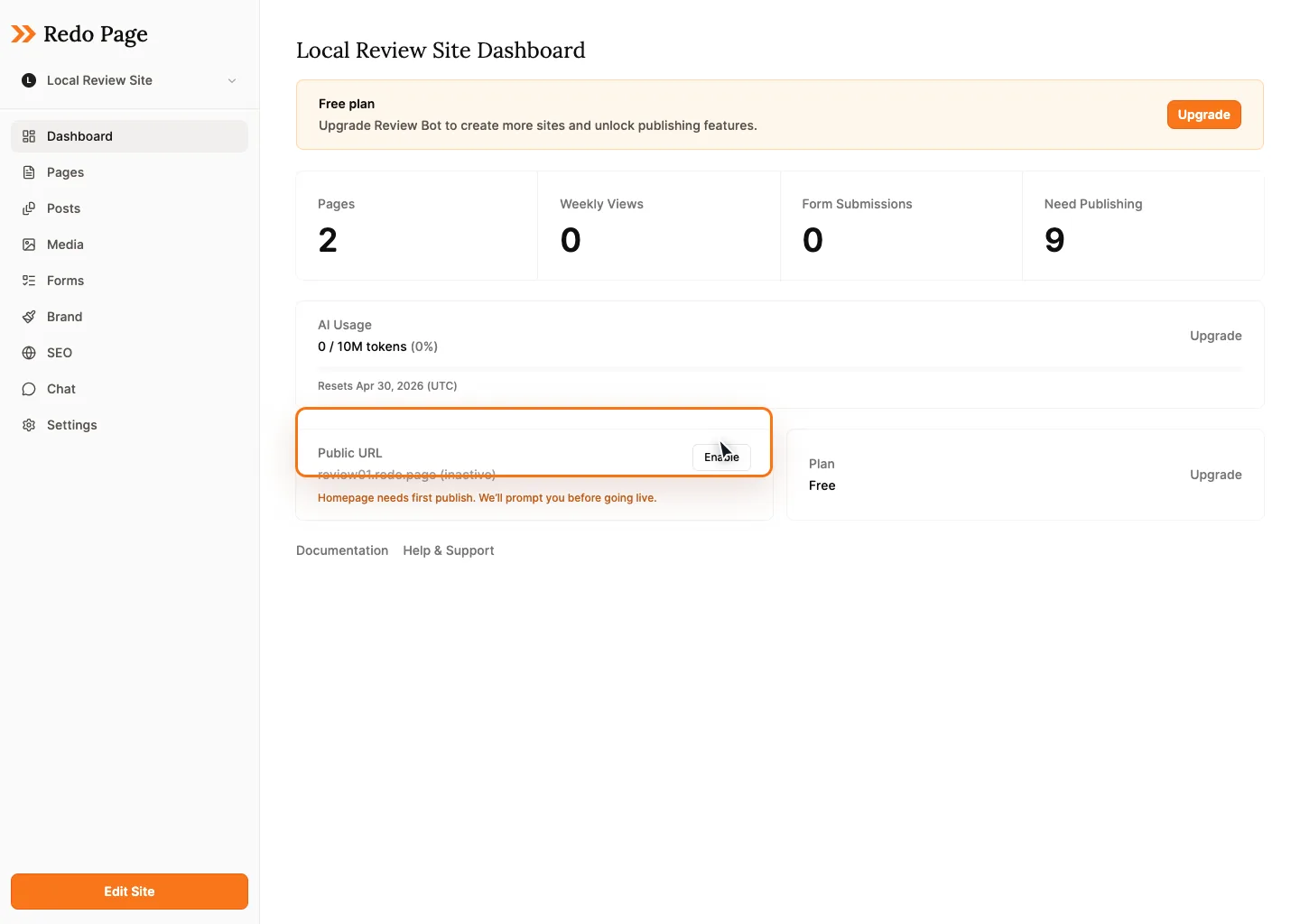
Dashboard
The dashboard is the fastest way to work on one site. Start with a plain-language request, pick a suggested prompt, or jump into a focused task like improving the homepage.
Start With Chat
Use the dashboard prompt when you know the outcome but not the exact steps. Redo can review the site, suggest what to improve, draft copy, and help make edits directly.
Good first prompts
Recommended Next Steps
Instead of a busy wall of setup cards, the dashboard highlights a small number of useful next steps. The goal is to help you move, not make you manage the dashboard.
Homepage edits
Start a new edit chat focused on the homepage when you want to improve the first impression.
Site review
Ask Redo to check clarity, trust, mobile readiness, SEO basics, and conversion gaps.
Launch check
Review publish status, homepage readiness, navigation, and anything visitors might hit.
Customize
Use focused controls for brand, pages, media, domains, and settings when direct editing is faster.
Chats
New work should usually start from the dashboard or from the page you want to edit. The Chats area is best for finding, reopening, and deleting past conversations, so it can stay compact and scannable.
| Conversation | Context | Updated |
|---|---|---|
| Improve homepage hero | Homepage | Today |
| Launch readiness review | Whole site | Yesterday |
When To Use It
- When you want Redo to help decide what to do next.
- When you want to improve the homepage or another key page.
- Before sharing the site, publishing changes, or asking for a final review.